← All mods

↗ EXPLORE BY CATEGORY

Workflow mods.

Follow tasks, review changes, and put your working preferences into practice.

THE COLLECTION

Find your next upgrade.

Useful tools. Delightful distractions. A workspace that fits you.

6 handpicked mods & demos
/
Showing 6 mods
● ● ●claude / replay-theater
▶ Replay step 2 / 5
− const greeting = "Hello"+ const greeting = "Welcome"+ return greeting
1 2 3 4 5 Next →
UI illustration
Workflow✳ Editor’s pick

Replay Theater

Install Replay Theater for Claude Code to review the last turn’s edit attempts, one diff at a time. Learn /replay controls and session-history limits.

By Claude Code DevRelPublic source
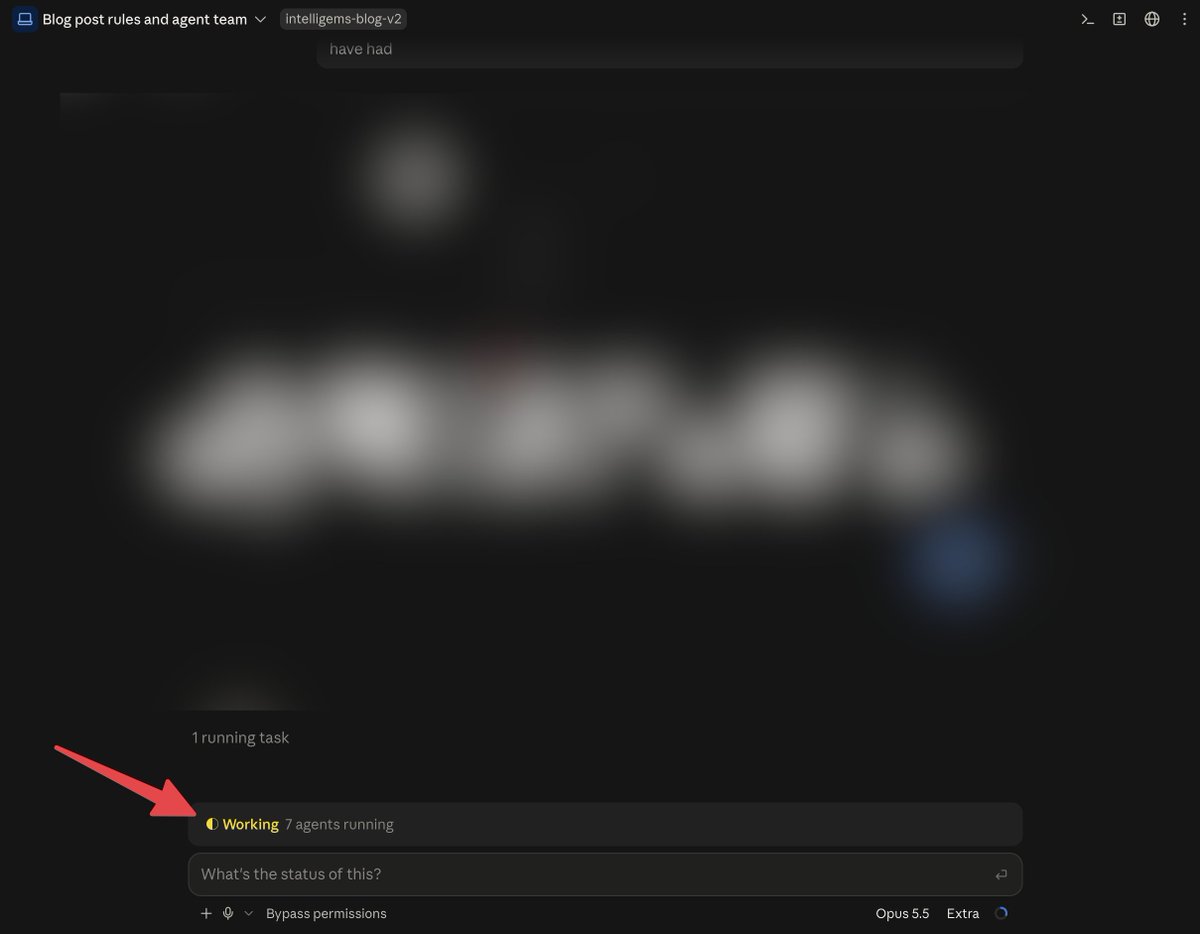
Live Plan Progress preview from the original creator
Workflow✳ Editor’s pick

Live Plan Progress

Follow Claude Code plans with live stage and step progress bars, subagent rows and sound cues. Includes plan-progress installation and display controls.

By Kirill SerditovPublic source
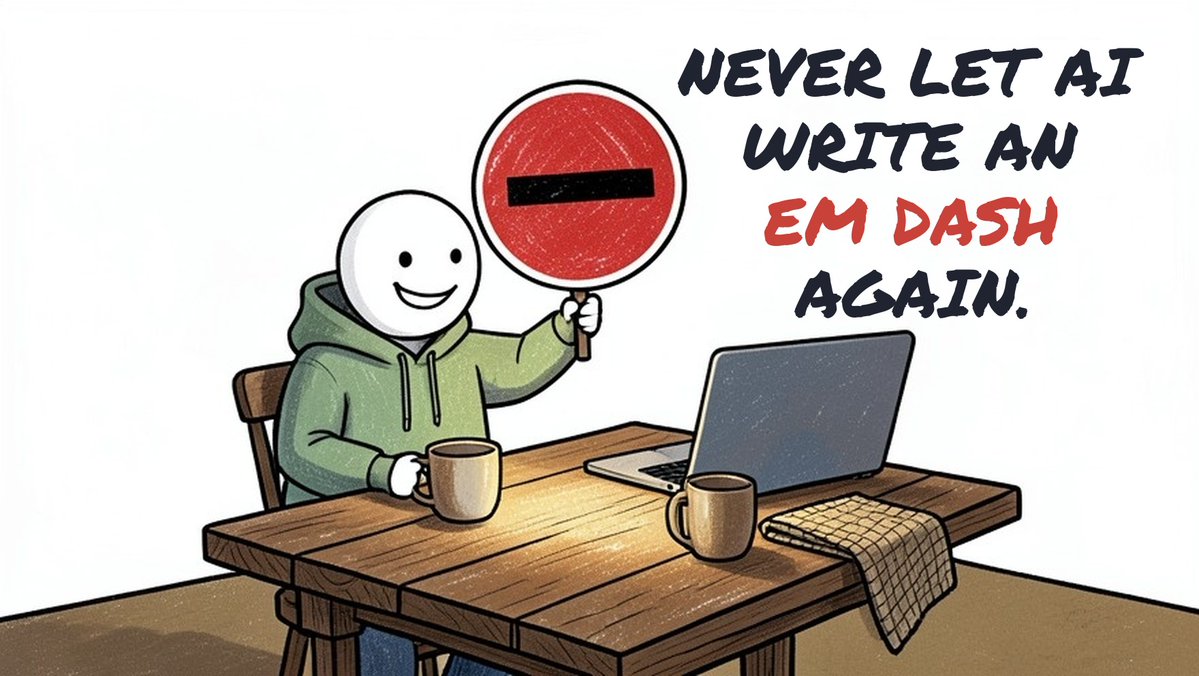
Dashless preview from the original creator

Dashless

Remove em dashes before they land in your work.

By Murat Can YukselPublic source
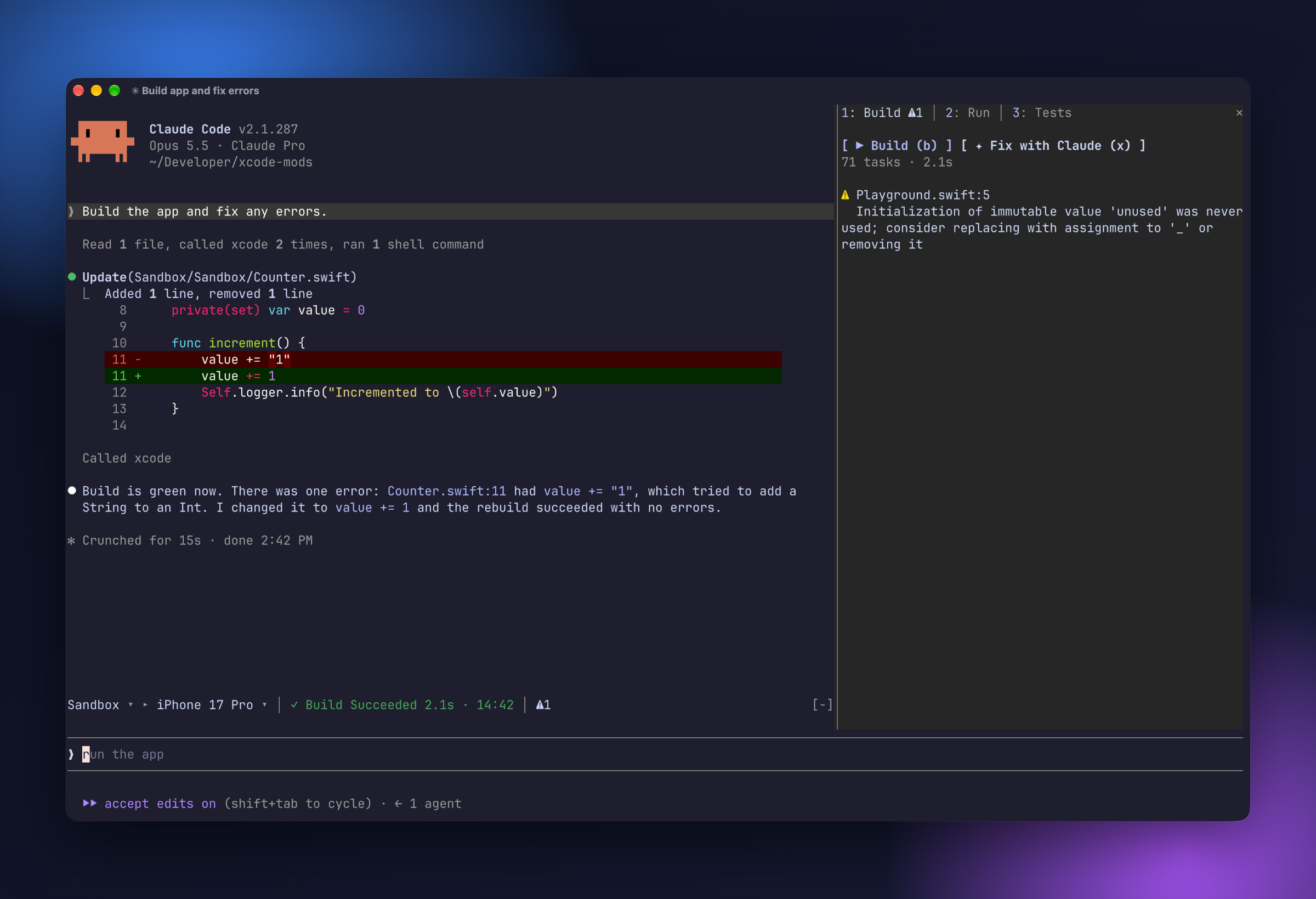
Shot preview from the original creator

Shot

Use Shot with Claude Code for macOS screenshots, text-targeted annotations and live screen pointers. Includes installation, permissions and screenshot-history limits.

By Dave KissPublic source
↳

Public source means a repository and setup instructions are linked. Demo only means a creator has shown the idea, but installation isn’t confirmed.

How we curate

About Workflow mods for Claude Code

Workflow mods focus on what happens during a Claude Code task: tracking progress, inspecting a sequence of edits, surfacing session status, or applying a writing preference. They are useful when your main question is what Claude is doing and how its work fits your own review process.

Choosing a Workflow mod

Compare the events each mod observes with your actual workflow. An edit replay is different from a Git history, and a progress display depends on the information the mod receives. Follow the original author’s notes to understand what is captured, what persists, and what requires configuration.

Read the install guide →