Shot: Claude Code screenshots and screen pointers.
Use Shot with Claude Code for macOS screenshots, text-targeted annotations and live screen pointers. Includes installation, permissions and screenshot-history limits.
What it does
Dave Kiss’s Shot combines a macOS screenshot MCP server, a skill, a /shot command and a history pane in one Claude Code plugin. The author documents background window capture, image annotations, temporary pointers on the live screen, image diffs and recording storyboards. These are source-documented capabilities, not CC Mods test results.
- Capture windows by app or title without changing focus, according to the author
- Place screenshot annotations by matching visible text
- Point at live UI with temporary arrows, spotlights or numbered steps
- Search a local screenshot library through the bundled MCP server
Install the Shot plugin on macOS
Read Dave Kiss’s source and README, then enter the author’s marketplace commands inside Claude Code:
/plugin marketplace add davekiss/mods
/plugin install shot@davekiss
The author lists macOS 13+ on Apple Silicon or Intel. The plugin uses an existing shot on PATH or downloads its matching prebuilt release. The bundled package includes the MCP server, skill, /shot command and history pane; a separate Homebrew install is an alternative binary setup, not an additional required plugin step.
Why do tools appear twice?
The README says to choose either the plugin or a bare MCP registration. Registering both exposes duplicate tools. If the plugin itself does not load, start with our version, reload and display checklist.
Why does a capture show only the desktop?
The author identifies missing Screen Recording permission as the cause of captures without window contents. In macOS System Settings → Privacy & Security, review that permission for the app running your agent, such as your terminal. Editing, OCR and redaction do not require that capture permission according to the README.
Screenshot, annotate, or point at the live screen?
/shot captures the terminal window. For another app, ask the agent for the app or window you want: the author documents MCP capture by app or title, including covered or minimized windows. The claim that this preserves focus comes from the author; we have not measured it.
Use compose for marks saved into an image, such as a box or an arrow aimed at matching text. Use point for temporary overlays on the live screen: arrows, spotlights and numbered steps fade away, pass clicks through and are not saved, according to the README. A pointer is a visual guide; it does not itself establish that the agent clicked or completed a step.
For UI changes, the author also documents diff for comparing captures, wait_for conditions and record storyboards. These describe the screenshot tool’s output, not a guarantee that your application is correct. Compare xcode-mods when you need a rendered SwiftUI preview instead of a screen capture.
Screenshot history, redaction and optional descriptions
The README says the library indexes every PNG in ~/Screenshots and every file Shot writes, recording OCR text, app/window details and descriptions in ~/Screenshots/.shot-index.json. That can include captures made by other tools. The documented ephemeral: true capture option skips the library and deletes the temporary capture after ten minutes.
Default sensitive-text redaction is documented for compose; it is not a promise that every raw screenshot is already redacted. The author describes solid-box masking and an option to turn it off. Our recommendation is to inspect the composed output before sharing and treat original images and the OCR index as potentially sensitive. No redaction or security audit was performed by CC Mods.
The background describer is off by default. Enabling SHOT_DESCRIBE=new or all sends eligible screenshots to Claude Haiku through claude -p and your login, including screenshots Shot did not take. Review that data flow and your plan’s usage before enabling it; we have not measured its cost.
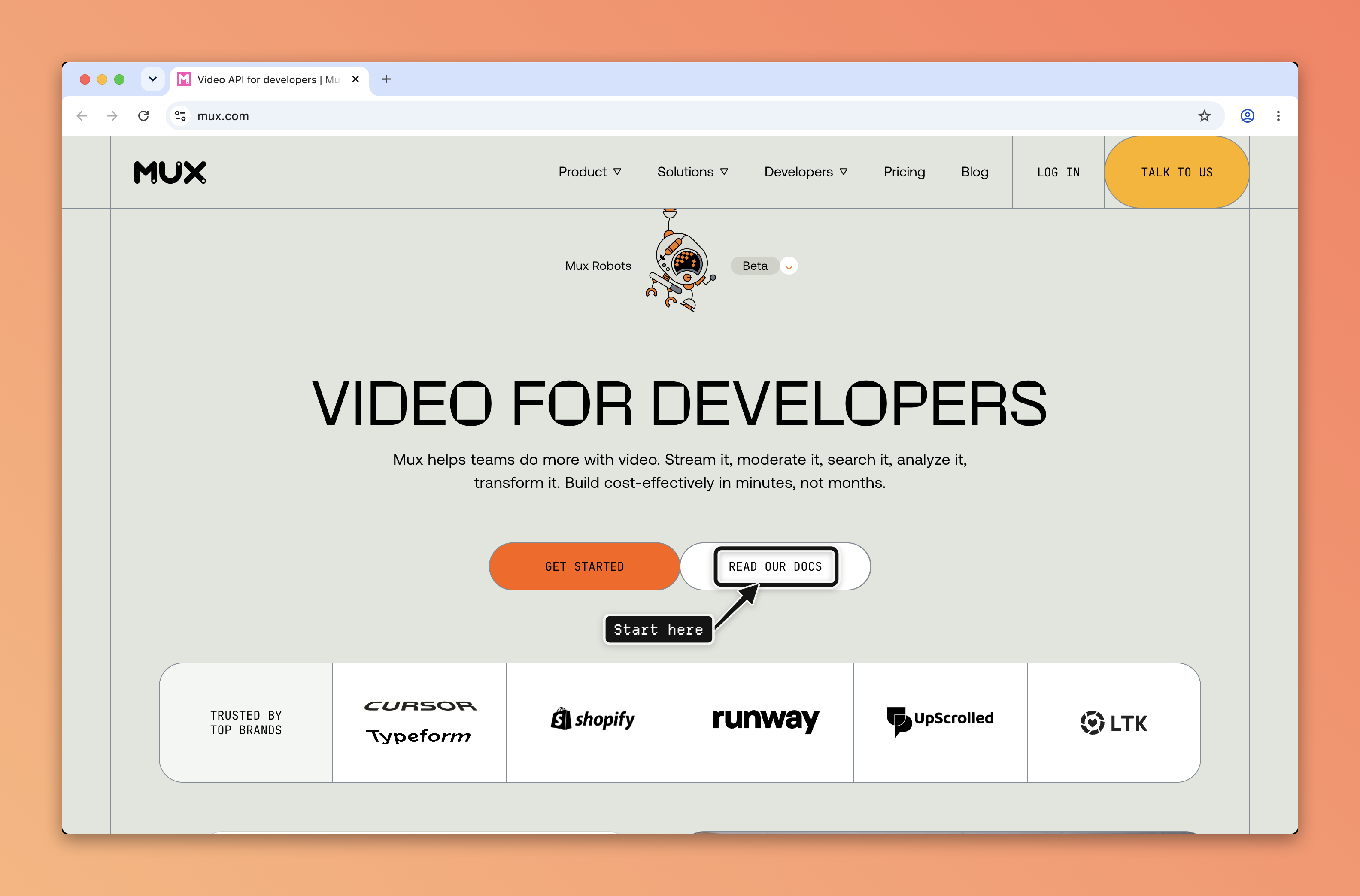
Source reviewed October 19, 2026 at plugin version 0.1.9. The preview above is an author-produced screenshot annotation, not a CC Mods execution result. See the original README, creator’s live-pointer demonstration, or compare mods, skills and MCP to understand the bundle.
When this mod might be useful
Shot may help when you want Claude to see a UI bug, mark the relevant control in a screenshot, or point out the next step in an app without repeatedly capturing and attaching images yourself. Choose a saved annotation for a bug report and a temporary live pointer for a walkthrough. For Xcode-rendered SwiftUI previews rather than screen capture, compare xcode-mods.
Understanding this listing
Use this listing as a starting point for comparing the author’s documented behavior with your own workflow. The repository is the source of truth for installation, configuration, and later changes. The commands here reflect the setup available at the review date.
Before you try it
- The author lists macOS 13+ and a universal Apple Silicon/Intel binary. This is not a Windows or Linux screenshot tool.
- Capture requires Screen Recording permission for the app running the agent. CC Mods has not changed any permissions or installed this plugin.
- The plugin uses a shot binary on PATH or downloads the matching prebuilt release. Review that executable as well as the plugin source.
- Default sensitive-text redaction applies to compose, not a guarantee that every raw capture is safe to share. Inspect the output before sharing.
- The optional background describer sends screenshots to Claude through your login, including screenshots from other tools; it is off by default.
- Source and setup reviewed at plugin version 0.1.9. No collected code executed, security audit, cost benchmark or surface-compatibility test performed.